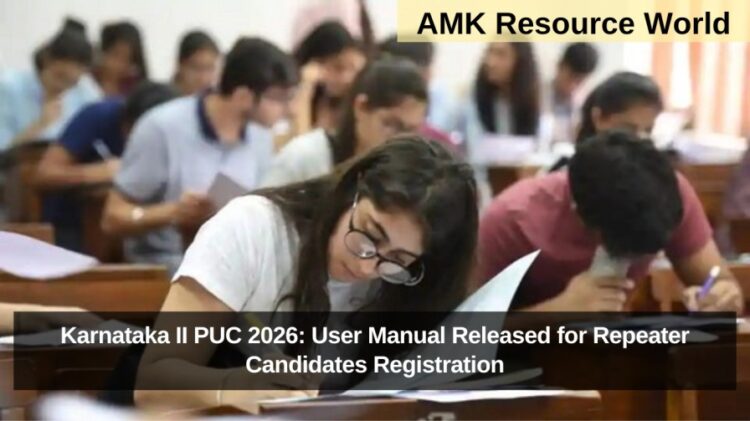
The Department of Pre-University Education (DPUE), Karnataka, has released the user manual for 2026 II PUC Repeater Candidate Registration. This comprehensive guide aims to help students reappearing for the II PUC Examination 2026 complete their registration, fee payment, and acknowledgement process through the official online portal
The online registration system ensures transparency, accessibility, and convenience for students, eliminating the need for physical submissions and in-person visits. Below is a detailed step-by-step guide for II PUC repeater registration 2026.
Step 1: Access the Registration Portal
To begin, candidates must visit the official DPUE registration portal, Click on the “Repeater Candidate Registration” link to start the process.
Step 2: Enter Basic Details
Fill in the required fields carefully:
- Mobile Number (used as the Username)
- Candidate Type (choose from the dropdown list)
- Register Number
- Passed Year & Month
- Password (create a secure one)
Once done, click Get OTP to receive a verification code on your registered mobile number.
Step 3: OTP Verification

Enter the OTP received on your mobile and click Register.
A popup message will appear confirming successful registration.
Step 4: Login to the Portal
After successful registration, the Login Page will open automatically.
- Enter your Mobile Number.
- Verify again using the OTP received on your mobile and click Proceed to Login.
- On the next page, enter your Password and click Login.
Step 5: Access the Home Page
Once logged in, the Home Page will be displayed.
Click on the Repeater Application option from the menu bar to proceed with the application process.
Step 6: Fill Application Details
- Click on View Details to open your personal details page.
- The system will display your previous records automatically.
- Enter any additional or missing information and upload your recent photograph (as per the specified format and size).
- Review all details carefully before clicking the Submit button.
After submission, candidates can download the Acknowledgement Slip by clicking on the Acknowledgement Button.
Step 7: Fee Payment Process
- Click on the Payment button.
- Enter the Challan Number.
- Select Online Payment → choose KarnatakaOne → click Submit.
- Verify all payment details on the screen, then click Pay Now.
- A popup message will appear — click OK to proceed.
- On the payment gateway page:
- Choose the Payment Gateway and Payment Mode (Debit/Credit Card or Net Banking).
- Tick the Consent Box and click Continue for Payment.
- Once payment is successful, a confirmation page will appear.
Candidates can then download and print the payment acknowledgement for future reference.
Key Highlights
- The entire process is online, ensuring efficiency and convenience.
- Candidates can track their application and payment status using the portal.
- The acknowledgment and payment receipts serve as official proof of registration.
The Karnataka II PUC 2026 Repeater Registration initiative by DPUE and KSEAB marks a significant step towards digital governance in education, reducing manual errors and improving accessibility for students across the state, for more details CLICK HERE